
Everything You Need to Know About the DJI Drone App: Features, Best Practices, and Expert Tips
Whether you’re a casual flyer, professional pilot, or an aerial photography enthusiast, the DJI drone app is an essential tool for maximizing your drone’s capabilities. This comprehensive guide will walk you through the must-have features and share actionable tips for the best possible flight experience. Understanding and optimizing your use of the DJI drone app not only enhances operational safety but also boosts creative potential for capturing stunning visuals.
Introduction to DJI Drone App
Main Features of the DJI Drone App
- Intuitive Flight Controls: From takeoff to landing, the DJI drone app provides a user-friendly interface for managing every aspect of flight. Beginner and advanced pilots alike benefit from smooth responsiveness and on-screen guidance.
- Real-time HD Video Transmission: The app delivers high-definition video feed directly from the drone’s camera to your mobile device, ensuring you always have a clear view of the action.
- Comprehensive Map Integration: Integrated maps offer flight telemetry and GPS positioning, allowing you to track flight routes, mark waypoints, and navigate restrictions or geofences.
- Intelligent Flight Modes: Access features such as QuickShots, ActiveTrack, Hyperlapse, Waypoint navigation, and more. These automated modes help capture cinematic footage with minimal manual input.
- Safety and Compliance Features: Receive notifications about restricted airspace, low battery warnings, and return-to-home prompts. The app ensures adherence to local regulations and promotes safe flying.
- Camera Setting Controls: Adjust ISO, shutter speed, aperture, white balance, and more directly from the app interface. Live previews enable precise framing and composition for photos and videos.
- Firmware and Software Updates: Keep your drone at peak performance by updating both hardware firmware and the app itself via built-in notifications and upgrade prompts.
- Flight Record Logs: Automatic recording of flight data allows for easy post-flight analysis, helping you troubleshoot issues and improve future flights.
How to Use the DJI Drone App Effectively
- Download the latest version of the DJI drone app from official sources (DJI website or app store) to ensure compatibility and security.
- Create or log in to your DJI account for cloud-based flight log storage and personalized app settings.
- Connect your mobile device to the drone via a secure cable or Wi-Fi, depending on your model.
- Initiate pre-flight checks: Confirm GPS signal, battery level, propeller status, and firmware updates.
- Set up automated flight modes according to your desired shooting style (e.g., orbit, follow, or waypoint).
- Configure advanced camera settings for optimal image quality—shoot in RAW for editing or leverage HDR video modes for richer colors.
- Monitor airspace warnings and weather conditions using integrated map overlays and real-time data feeds.
- Use the intelligent Return-to-Home function when in low battery or emergency situations.
- Edit, sync, and share your aerial content from within the app using built-in editing tools and direct social media integration.
Best Usage Tips for the DJI Drone App
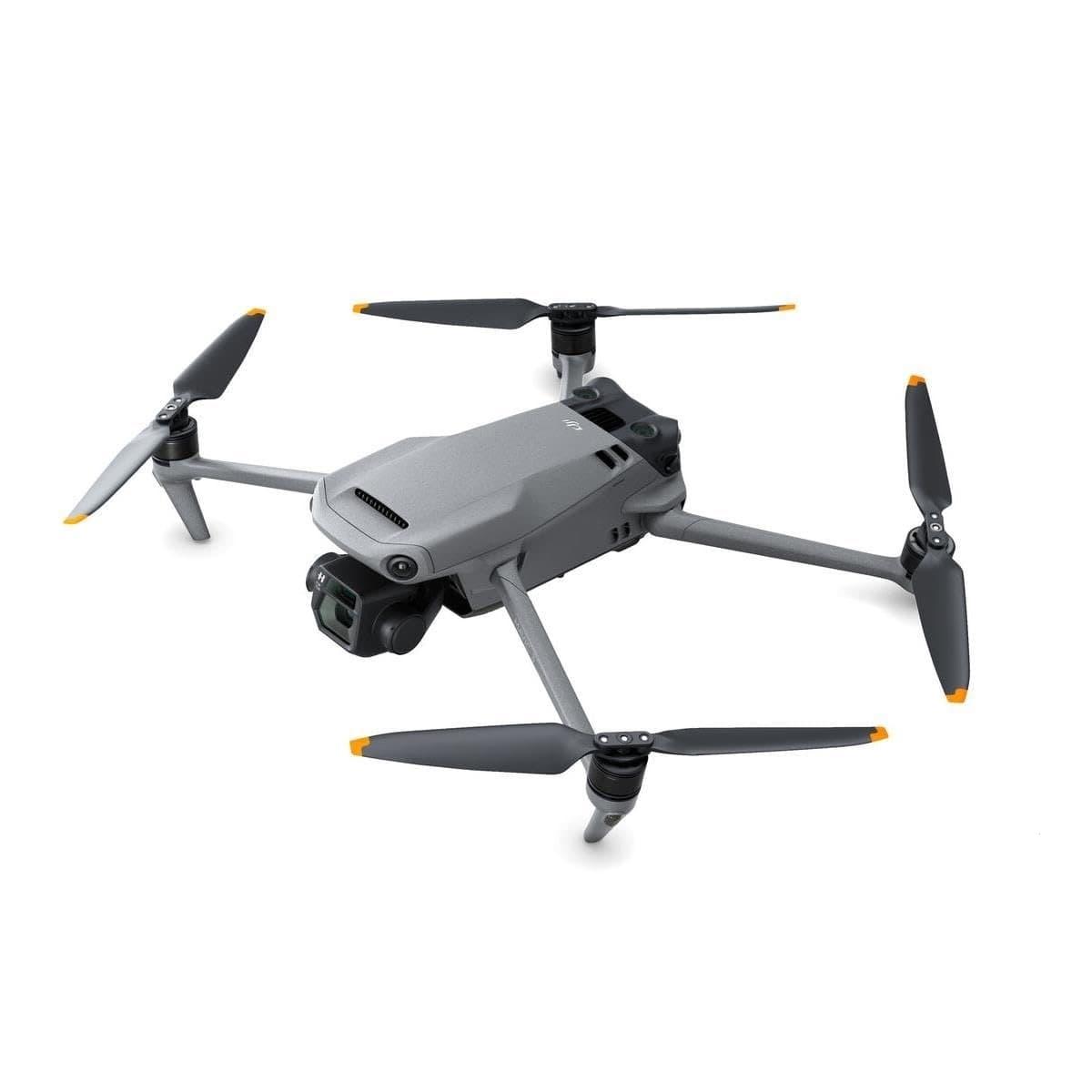
- Practice in Open Spaces: New pilots should use the app in wide areas free of obstacles to master controls and features safely.
- Customize Controls: Use the app’s settings to adjust stick sensitivity, flight speed, and gimbal responsiveness to fit your preferences.
- Regularly Clear the Cache: The DJI drone app stores preview images and video files; clearing cache periodically improves app performance.
- Enable Geofence Alerts: Stay aware of nearby airports, restricted zones, or national parks to avoid legal issues.
- Maintain Device Battery:
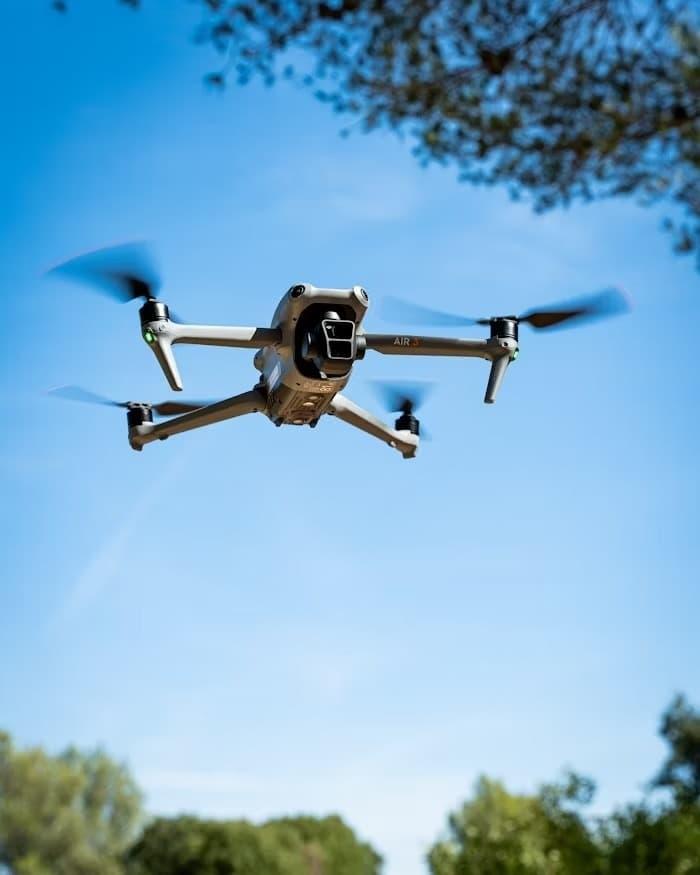 Keep your mobile device fully charged, as the app relies on your phone or tablet during flights for real-time control and data streaming.
 - Optimize Camera Angles: Practice adjusting the gimbal and camera settings pre-flight to ensure the best perspectives.
- Update Frequently: Regular firmware and app updates provide access to new features, bug fixes, and enhanced safety protocols.
Advanced Settings and Integrations
For experienced users, the DJI drone app offers hidden gems like custom geofencing, extensible waypoint missions, and third-party plug-in support. Sync your flight data to DJI SkyPixel for cloud storage and community sharing. Consider pairing the app with additional devices, such as smart controllers or tablets, for enhanced visibility and control during complex flights.
Troubleshooting Common DJI Drone App Issues
Despite its reliability, users occasionally encounter challenges such as video transmission glitches, app crashes, or device connectivity problems. To resolve these, ensure your mobile OS is up-to-date, force restart the app, or reinstall the latest version. DJI customer support and forums are invaluable resources for step-by-step troubleshooting. Always clear app cache and close background apps to free up system resources before flight.
Staying Safe and Legal with the DJI Drone App
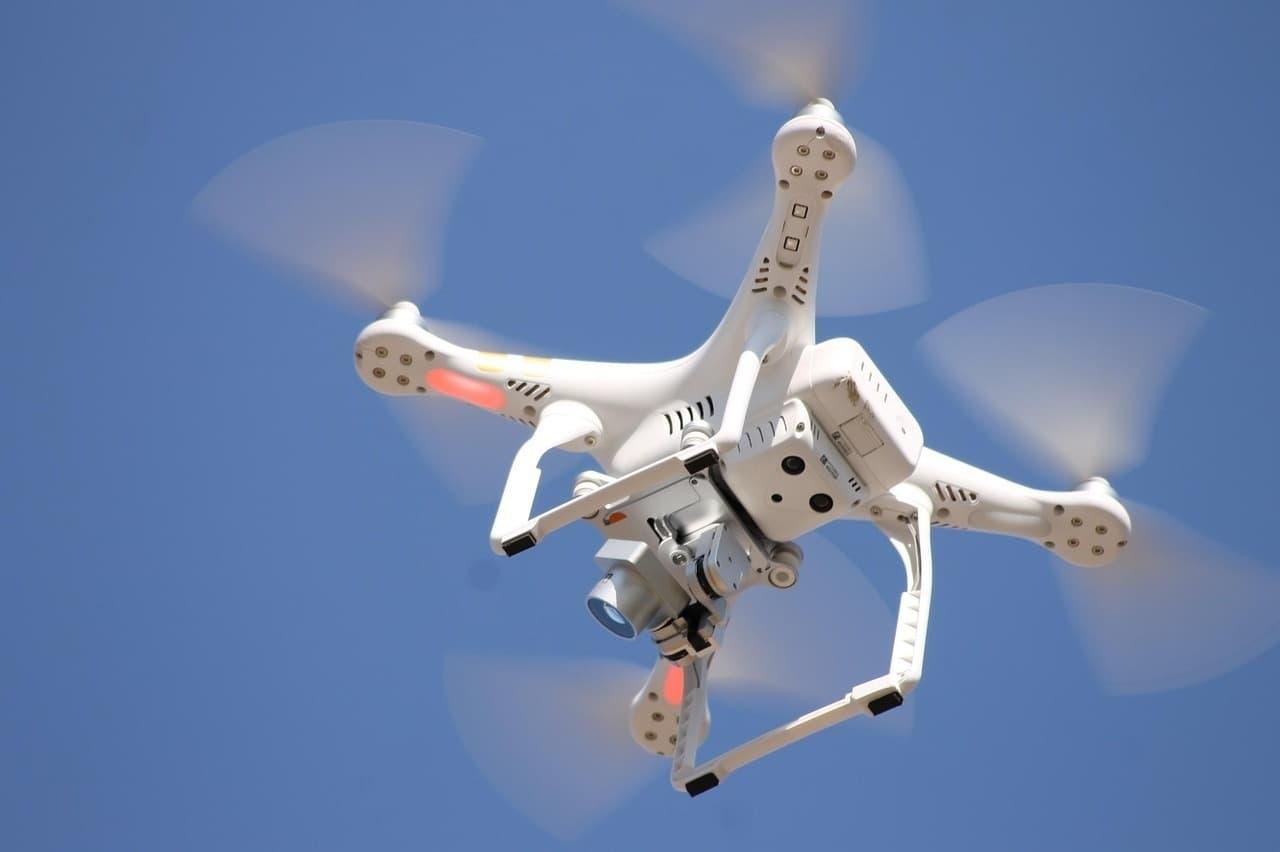
The app flags flight restrictions, notifies users about temporary or permanent no-fly zones, and helps you comply with local aviation rules. Refer to official airspace maps, register your drone when legally required, and always fly below the designated altitude limits. Use the app’s safety checklist to avoid incidents or legal complications.
FAQs about the DJI Drone App
- Can the DJI drone app work offline?
- Basic flight controls and video recording are available offline if the drone firmware is updated, but map overlays, airspace data, and live streaming require internet connectivity.
- Is the DJI drone app compatible with all DJI models?
- Most current DJI drones support either DJI Fly, DJI Go 4, or DJI Pilot, but always check drone compatibility before downloading for your specific model.
- How can I transfer images and videos from the DJI drone app to my computer?
- Media is stored in the drone’s microSD card and can be downloaded through the app to your device, then transferred via USB cable or wireless transfer to your computer.
With its blend of innovative features, intuitive controls, and robust safety mechanisms, the DJI drone app is the pilot’s best companion for every flight. Regularly explore new updates and experiment with automated modes to get the most out of your DJI drone experience.