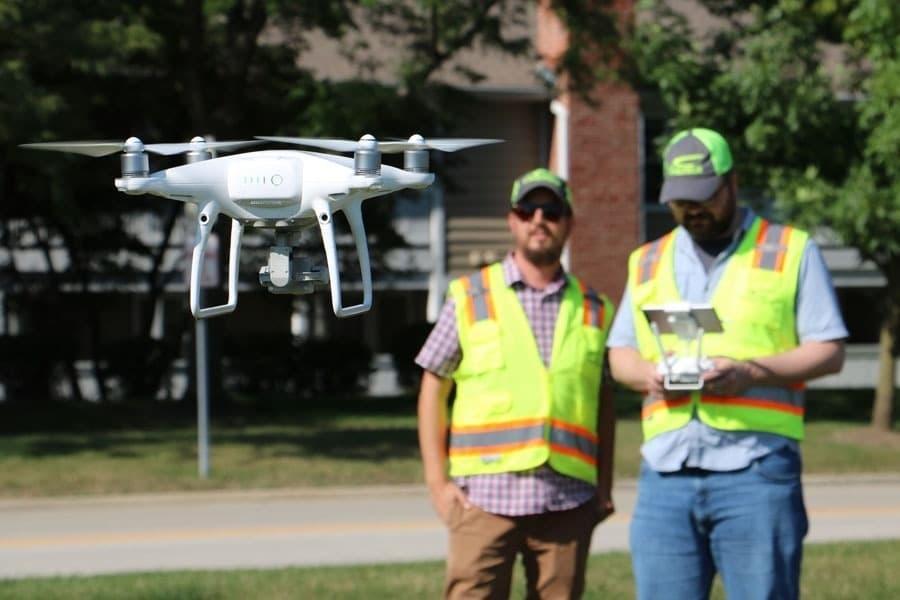
The Ultimate Beginner’s Guide to Buying and Flying a DJI Drone
Embracing aerial photography or drone videography begins with selecting the right drone, and for most beginners, DJI drones are widely considered the gold standard. From their user-friendly designs to advanced camera systems, DJI offers an impressive lineup tailored for every level of expertise. In this comprehensive guide, let’s explore how new pilots can smartly choose, set up, and safely fly their first DJI drone while optimizing performance and safety.
Why Choose a DJI Drone?
- Industry-leading technology for beginners and professionals alike
- Extensive customer support and regular firmware updates
- Superior build quality and robust safety features
- Multiple models fit various budgets and use-cases
The dominance of DJI drones in the UAV market isn’t accidental: their advanced flight controls, intelligent sensors, and easy learning curves make them the preferred choice for new and seasoned pilots. Whether you want to capture stunning landscapes, document travel escapades, or simply enjoy the exhilaration of flying, a DJI drone is a versatile tool.
Choosing the Right DJI Drone Model
Diving into the DJI catalog, you’ll find popular models like:
DJI Mini Series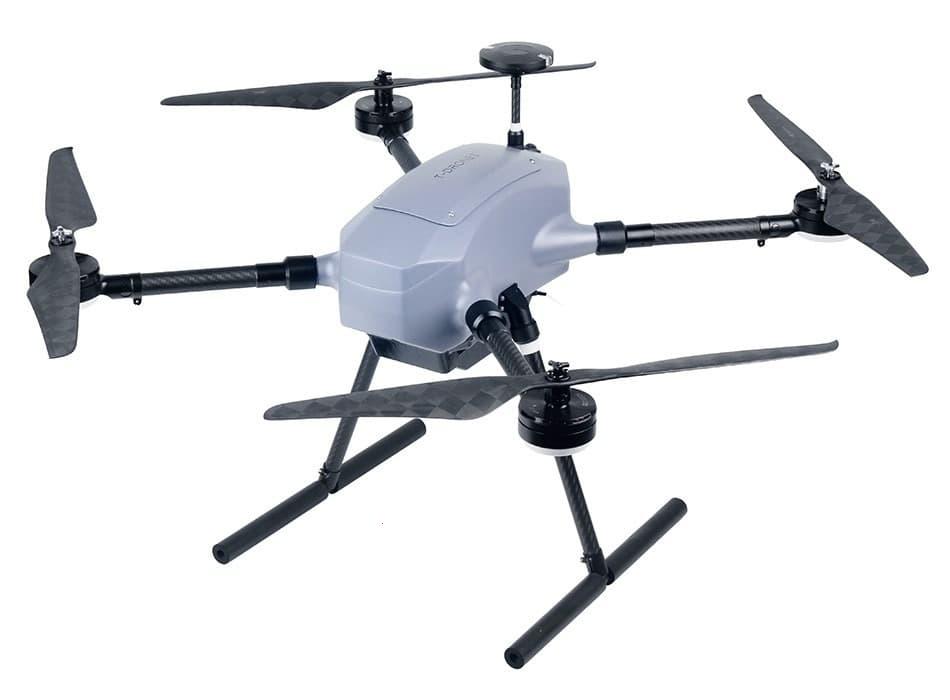 : Lightweight, ultra-portable, and beginner-focused. The DJI Mini 3 Pro and Mini 2 SE are great entry points, offering HD camera capabilities and simplified controls.
Mavic Series: Famous for foldability and high-end features. The latest Mavic Air 2 and Mavic 3 appeal to those considering pro-grade photography and longer flight times.
DJI Air Series: Bridges the gap between size and performance, perfect for enthusiasts who want more without the bulk.
DJI FPV: For those seeking adrenaline and immersive FPV experiences, this is the best drone to start learning cinematic flight maneuvers.
When selecting a DJI drone, assess factors like camera resolution, gimbal stabilization, intelligent flight modes, and budget. Remember, for new users, lighter models often require less regulation compliance and are easier to transport.
Unboxing and Setting Up Your DJI Drone
- Unbox the drone carefully, ensuring you have all included accessories — props, controllers, batteries, and cables.
- Charge the drone and controller fully before first use.
- Download the official DJI app compatible with your model (DJI Fly, DJI GO 4, etc.), vital for calibration and firmware updates.
- Follow in-app guidance for activating, calibrating the IMU, compass, and updating firmware before your maiden flight.
Mastering Basic Drone Flight Controls
Most DJI drones come with modular controllers or can be operated with paired smartphones. Understanding the basic stick controls is crucial:
– Left Stick: Up/Down for altitude and rotate left/right (yaw)
– Right Stick: Forward/backward and side to side (pitch & roll)
– Takeoff and Landing: One-touch auto modes help beginners reduce stress on their first flight.
Practice in an open, clear area to minimize risks. Always start in beginner mode, which limits speed, height, and range.
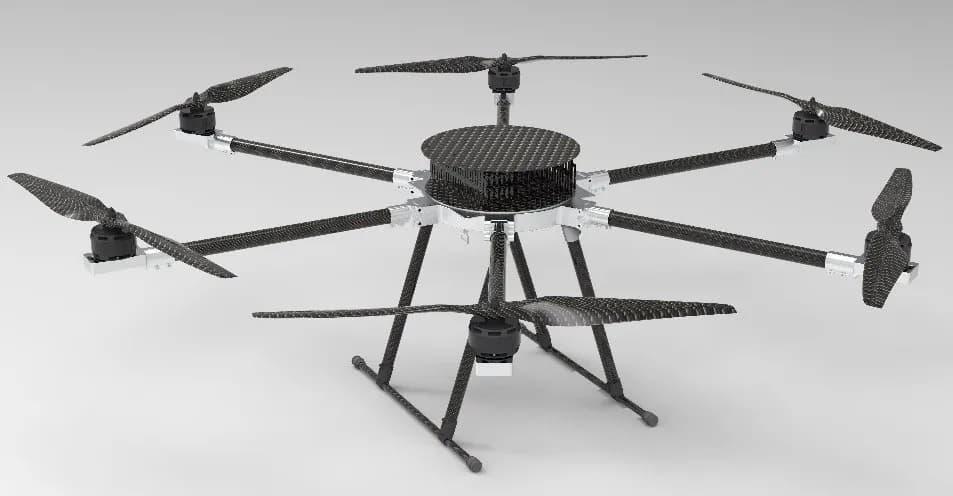
Flying Safely: Best Practices for DJI Drone Pilots
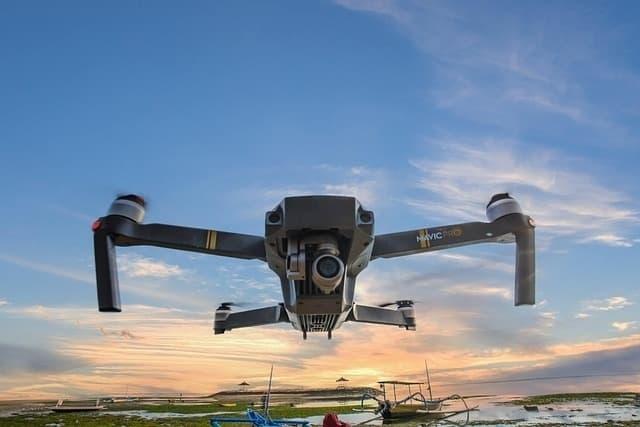
- Always check the weather – avoid wind, rain, and low visibility.
- Respect local drone regulations, no-fly zones, and privacy laws.
- Keep your DJI drone within visual line of sight at all times.
- Perform a pre-flight check: props secured, batteries full, GPS signal strong.
- Don’t fly near airports, dense crowds, or restricted airspace.
Consistent adherence to these tips ensures safe, enjoyable, and legal operations for new pilots.
Maintenance Tips for Longevity
- Clean your drone after each flight—remove dust and check for damage.
- Update firmware regularly for bug fixes and performance upgrades.
- Store your batteries at about 50% charge and away from extreme temperatures.
- Inspect propellers and replace them if chipped or bent.
Capturing Photos and Videos With Your DJI Drone
The onboard cameras on DJI drones provide stunning imagery. Familiarize yourself with settings like ISO, shutter speed, and exposure. Utilize intelligent flight modes such as QuickShots or Panorama to automate creative shots.
Always shoot in higher resolutions (if available), and consider shooting RAW photos for post-processing flexibility. Practice smooth gimbal and flight maneuvers for cinematic footage.
Resources for DJI Drone Beginners
- Official DJI forums and YouTube tutorials for troubleshooting
- Community social media groups for tips and inspiration
- Apps to find safe local flying zones and check airspace clearances
Final Thoughts: Your DJI Drone Journey Starts Now
Starting your drone flying adventure with a DJI drone is more accessible than ever. With intuitive technology safeguarding every step, you can learn basic piloting skills, maintain your device, and produce breathtaking aerial content. Consistency and curiosity are your best allies; practice flying cautiously and always check for manufacturer updates or new features.
Frequently Asked Questions
- Is a license required to fly a DJI drone?
- Regulations vary by country. In most areas, drones under 250g (like the DJI Mini series) don’t require registration for recreational use, but always check local laws before flying.
- Can I fly my DJI drone indoors?
- Many DJI drones can operate indoors, but it’s recommended to use propeller guards, slow flight modes, and extra caution due to GPS limitations.
- How do I update my DJI drone’s firmware?
- Connect your drone to the DJI app. The system will guide you through firmware updates to ensure optimal performance and the latest features.