
Step-by-Step Guide to Register Your Drone with the FAA in 2024
If you’re preparing to take to the skies with a drone in the United States, understanding how to register drone with FAA is your very first step. Complying with FAA regulations is essential for safe and legal drone operation, whether you’re a hobbyist or commercial drone pilot. In the following guide, you’ll find a comprehensive breakdown of the registration process, key details, and additional tips for maintaining compliance in 2024.
Why Register Your Drone with the FAA?
The Federal Aviation Administration (FAA) requires all drones within certain criteria to be registered before taking flight outdoors. Registering your drone helps to:
- Ensure safety in the national airspace
- Facilitate accountability if your drone is lost or involved in an incident
- Comply with federal law and avoid hefty penalties
The Basics: Who Needs to Register?
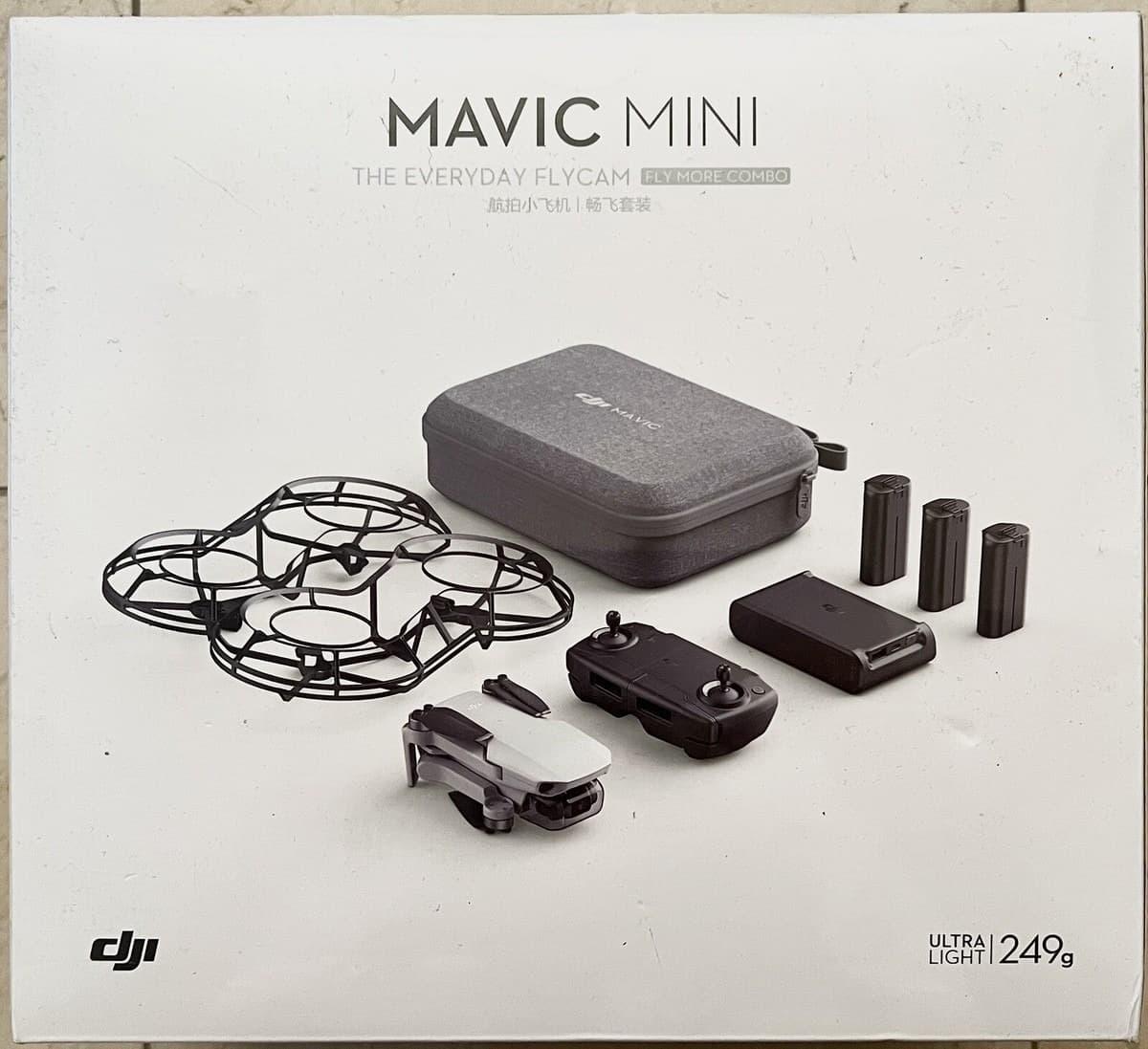
To ensure compliant drone operations in 2024, you must register your drone with the FAA unless your drone weighs less than 0.55 pounds (250 grams), including payload like cameras. Both recreational users (flying for fun) and commercial operators (flying for work) need to register, but there are slight differences in procedures and requirements.
If you’re under 13, you cannot register your own drone; a responsible adult must do it for you. Foreign operators must also register, even if only visiting the US.
What You Need Before Starting the Registration
- A valid email address
- Mailing address (and, optionally, a physical address)
- The make and model of your drone
- Credit or debit card for payment
Having this information ready will streamline the process of register drone with FAA via the FAA DroneZone portal.
Step-by-Step Instructions: FAA Drone Registration in 2024
- Access the FAA DroneZone Website: Visit the FAA’s official DroneZone portal at faadronezone.faa.gov.
- Create or Log in to an Account: If this is your first registration, create a user account with your email. If you already have an account, simply log in.
- Choose the Correct Registration Option:
- Recreational Flyers: Select “Fly for recreation ONLY (Section 44809)” if your drone use is purely for sport and leisure.
- Part 107 or Commercial Use: Select this option if you plan to earn money with your drone, do business, or assist organizations.
- Enter Owner and Drone Information: Submit your contact details, plus your drone’s brand and model number. Some drones may need more specifics, so keep your documentation handy.
- Pay the Registration Fee: As of 2024, the fee is $5 per drone for both recreational and commercial operators. Payment can be made by credit or debit card through the FAA DroneZone platform.
- Receive Your FAA Registration Number: Once paid, you’ll immediately receive a unique registration number for your drone (for recreational, you may use one number for all drones; for Part 107, each drone receives its own). Your registration is valid for three years.
- Label Your Drone: Physically mark your drone with the registration number in a visible, legible, and weather-resistant manner before your next flight.
Post-Registration Best Practices
- Always carry a digital or printed copy of your FAA registration certificate when flying
- Update your registration info if there’s a change in ownership or your contact details
- Renew your registration every three years via the DroneZone portal
- Abide by FAA rules, including registering only real, operational drones and not fictitious ones
How to Renew or Update FAA Drone Registration
To keep your registration valid, renew it before the expiration date. Simply log back into DroneZone, select your drone, and follow instructions to renew–typically for another three years at $5 per drone. For contact detail or drone model changes, use the ‘update’ feature on the portal.
Compliance Considerations & Legal Tips
Flying an unregistered drone that should be registered can result in hefty fines (up to $27,500 civil and $250,000 criminal) or even jail time. Always review Part 107 regulations if you’re flying for commercial purposes, and check for local airspace restrictions or no-fly zones prior to each flight. Consider reviewing updated FAA Advisory Circulars in 2024, as regulatory guidance evolves continually.
Also, remember that the Remote ID rule came into effect in 2023: most drones must now broadcast identification and location information while flying. Check your drone’s compliance before taking flight.
Frequently Asked Questions (FAQ)
- Do all drones need to be registered with the FAA?
- No. Only drones weighing 0.55 lbs (250g) or more, or those used commercially, require registration. Ultra-light toy drones typically do not.
- How long does the registration process take?
- The online process takes approximately 10-15 minutes if you have all documents ready. Registration is instant upon payment.
- Can I fly my registered drone anywhere?
- No. You must always adhere to FAA airspace rules and avoid restricted zones such as airports, stadiums during events, and military facilities. Always check local airspace regulations before flying.
Final Thoughts
Registering your drone with the FAA in 2024 is straightforward but essential for lawful and safe operations. By staying up to date with FAA requirements, labeling your drone, and respecting airspace, you’ll enjoy the skies responsibly and avoid costly fines. Stay tuned to FAA updates for any regulatory changes affecting drone registration in the future!